

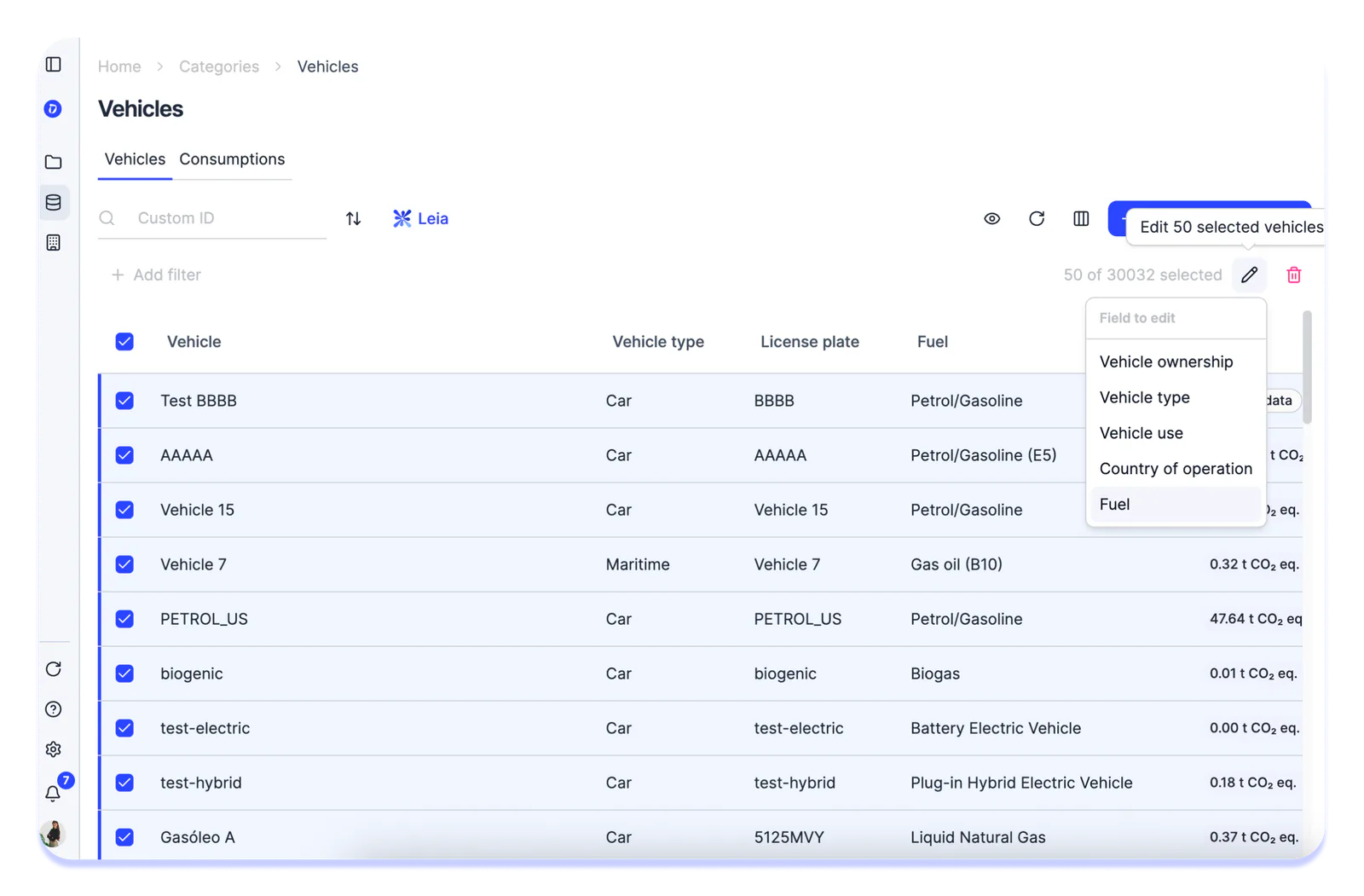
We’ve added the ability to bulk edit vehicles, so you no longer need to update them one by one.
How it works:
- Select the vehicles you want to modify.
- Click the bulk edit button.
- Choose which property to change: vehicle ownership, usage, vehicle type, country of operation, or fuel.
- Set the new value and save. If the change triggers an emissions recalculation (for example, a fuel or country of operation change), you’ll be asked to confirm before it’s applied. Once confirmed, the selected vehicles and their consumption records will be updated with the corresponding new emission factors.